There are no items in your cart
Add More
Add More
| Item Details | Price | ||
|---|---|---|---|

Created by - Vishnu Dutt
English and Hindi


click Start, watch thousands of packets fly across the screen, and quietly close the tool. The problem is not Wireshark. The problem is that nobody explained why Wireshark exists in the first place. This course begins there. Once you understand what a protocol analyzer is really doing when it decodes a packet, every filter, color, and button in Wireshark starts to make sense.
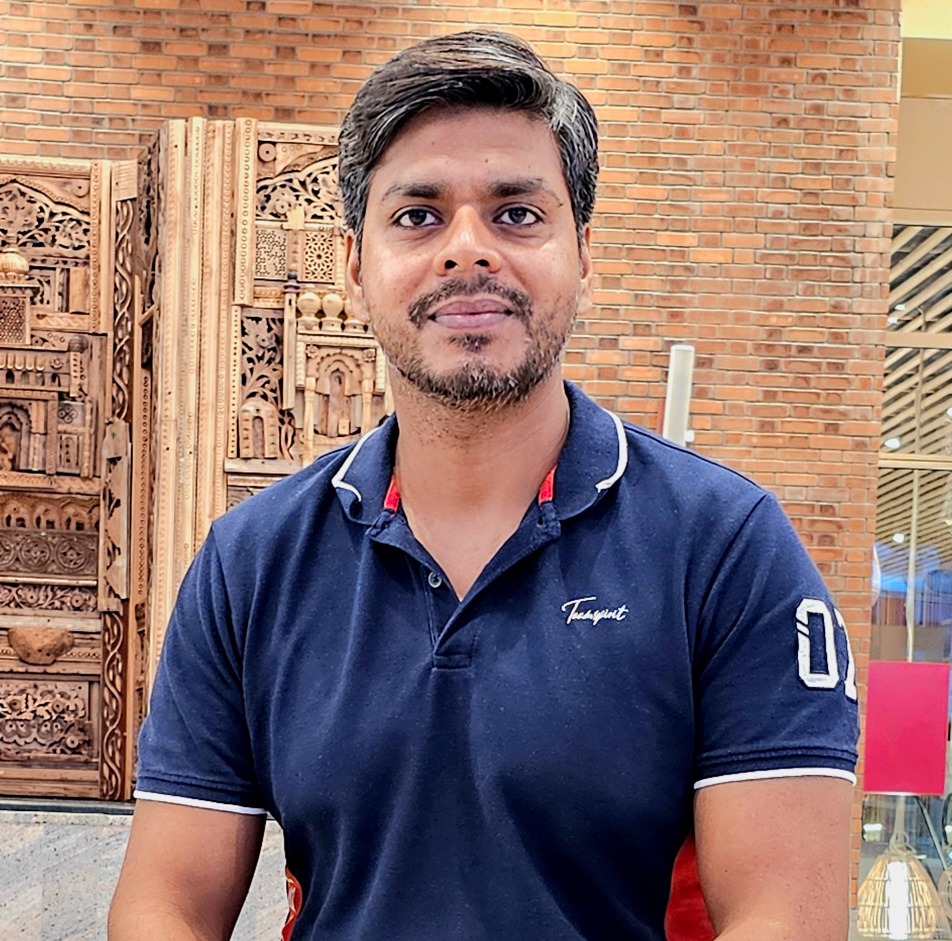
who spent 19+ years at Cisco solving real network problems and has now trained 15000+ learners across 100+ countries through BridgeWhy. The teaching method is why first. Before you see a single Wireshark screenshot, you understand what problem the tool was invented to solve. Before you touch a display filter, you know why the filter language looks the way it does. Before you dissect TCP, you know why TCP needed three packets to open a session and not one.
The whiteboard is where you build the mental model. The capture is where you prove the mental model matches reality. This pairing is the reason learners finish this course able to open a random capture and describe what is happening in it, rather than just naming the protocols they see.
filter it down to what matters, read the fields of a packet the way you read words in a sentence, and explain to your team exactly why a network is behaving the way it is. This is a skill that stays with you across every technology you will touch later in your career, whether that is BGP, MPLS, SD-WAN, VXLAN, or something that does not exist yet. Packets are the ground truth. Wireshark is how you read the ground truth.
Here is know your instructor "I spent 18 years building computer networks at Cisco. But honestly, I am more curious than technical. I read. I listen to podcasts. I follow finance, health, and whatever new trend is quietly changing the world before most people notice. That curiosity is why I teach the way I do. I never start with "how." I always start with "why." Because if you understand why something exists, the how becomes easy. Right now, that curiosity brought me here. To help people understand what AI is really doing to jobs and careers. Before it is too late."
View ProfileWhat exactly is Wireshark, in simple words?
Wireshark is a free tool that captures the packets flowing across your network and shows you what is inside them. Think of it as a magnifying glass for traffic. It does not change anything on the network. It only reads and displays.
Do I need to know networking before starting this course?
No prior Wireshark experience is required. If you know that a network carries data between computers, that is enough to start. If you have never touched networking at all, you may want to also enroll in CCNA for the Know Nothing Learner or Be Job Ready in Computer Networking alongside this one.
Why does this package include both Hindi and English?
Different concepts click in different languages. Some learners understand encapsulation faster in Hinglish because the analogies feel closer to daily life. The same learner may prefer English for TCP because the field names stay in English anyway. The package lets you switch freely instead of guessing on day one.
What makes this course different from a free YouTube tutorial?
Free videos usually show you what to click. This course explains why the tool works the way it does. Every lesson opens with the problem the feature was built to solve. That mental model is what lets you handle packets you have never seen before, which is what real work looks like.
Is Wireshark useful for CCNA preparation?
Yes. Every protocol in the CCNA blueprint has a packet level view, and understanding that view is the fastest way to remember how the protocol behaves. Once you can see an ARP request or a TCP handshake in Wireshark, the theory stops feeling abstract.
Will this help me in job interviews?
Yes. Interviewers routinely ask "how does TCP open a connection" or "what happens when ARP fails." A candidate who can describe the packets involved, not just the protocol name, stands out immediately. The Interview Preparation Series pairs well with this course for that reason.
What lab tools do I need?
Only Wireshark itself, which is free and open source, and any laptop with at least 4 GB of RAM. There is no expensive lab license, no cloud subscription, and no special hardware.
How is Wireshark different from tcpdump?
Both capture packets, but Wireshark gives you a graphical view with decoded fields and coloring, while tcpdump is a command line tool. The course focuses on Wireshark because visual dissection is the fastest way to learn what a packet actually contains.
Can I use Wireshark on Windows, Mac and Linux?
Yes. Wireshark runs on all three. The lessons show a Windows and a Linux view where the difference matters. Everything else looks the same on any operating system.
Do I get a certificate after completion?
Yes. You receive a BridgeWhy completion certificate that you can share on LinkedIn or add to your resume.
How long will I have access to the course?
Access depends on the plan you choose. You can pick from 3 Month Access, 1 Year Access, or Lifetime Access.
Who teaches this course?
The course is taught by Vishnu Dutt. He spent 19+ years at Cisco solving real network problems and has trained 15000+ learners across 100+ countries through BridgeWhy. You can read more on the About Us page.
Does this course cover VoIP or wireless packet capture?
The core focus is the protocols that most learners see every day. Wireless packet capture and VoIP packets are not deep topics in this course. If you need those, please reach out and BridgeWhy can guide you.
What is a display filter and why does it matter?
A display filter is a small expression like `tcp.port == 80` that tells Wireshark to show only the packets you care about. It matters because a real capture can contain millions of packets, and without a filter you will never find the one that answers your question.
Why does the course teach coloring rules?
Because your eyes are faster than your reading speed. Coloring rules make retransmissions, resets, and duplicate acknowledgments jump off the screen in a color the rest of the packets do not use. It is the difference between spotting a problem in one second and scrolling for ten minutes.
Why is VXLAN included in a Wireshark course?
VXLAN packets look like normal UDP on the outside and something else on the inside. Learners who have not seen this before get confused and think Wireshark is broken. Dissecting a VXLAN packet once, carefully, removes that confusion forever and prepares you for VXLAN with BGP-EVPN.
What does "TCP slowness" mean and why is it in the syllabus?
Slow application performance is one of the most common tickets a network engineer receives. Nine times out of ten the network is not slow. TCP is doing exactly what it was designed to do, but the conditions are hurting it. This lesson teaches you how to prove that from the packets, which is a career defining skill.
What should I take after this course?
The natural next step is TCP from Scratch, which goes far deeper into every field you touched here. After that VXLAN with BGP-EVPN and SD-WAN from Scratch become far easier because you can read what is on the wire.
Can I share the course with my team or friends?
The course is licensed per learner. If your team wants access, please contact BridgeWhy through the store page and a team option can be arranged.
What if a lesson feels too fast or too slow?
Every video can be paused, rewound, and replayed as many times as you need. Many learners watch the harder lessons twice. That is expected and normal.
Is there a community or a way to ask questions?
Yes. Learners can reach out through the channels listed on About Us and get their doubts cleared. Questions asked by other learners often become new lesson content later.
How does this course fit alongside routing and switching topics?
Wireshark is the microscope. Routing and switching are the roads. You will get more from Routing Fundamentals and Switching Fundamentals once you can see the packets those technologies produce.
Do I need to pay extra for the Hindi version?
No. The package includes both Hindi and English at one price. That is the whole point of the package.
What if I only want the English version?
That is available as a separate purchase, but most learners find the package offers better value because you get both versions for close to the price of one.
Why should I choose BridgeWhy for Wireshark training?
Because the instructor comes from 19+ years at Cisco, teaches with the why first method, and has already helped 15000+ learners across 100+ countries move from confused to confident. That combination is hard to find elsewhere.