There are no items in your cart
Add More
Add More
| Item Details | Price | ||
|---|---|---|---|

Created by - Vishnu Dutt
English and Hindi


In a cable, one signal travels from one end to the other and nothing else interferes. In air, every reflection, every wall, every microwave oven, every other laptop in the room is part of the picture. This is the reason so many engineers struggle with wireless. They try to memorize configuration commands without understanding what the air is actually doing.
You start with the physics. You learn what a radio wave is, why it behaves the way it does, and what the words frequency, wavelength, phase and amplitude actually mean when you look at real signal on a spectrum analyzer. Only after this foundation do you touch a single Cisco command.
Every lesson opens with a why. Why did the industry invent this concept? What problem was it solving? What was broken before it existed? Once you see the problem, the solution becomes obvious. This is the teaching philosophy of BridgeWhy and it is why 15000+ learners across 100+ countries have chosen this platform to build their careers.
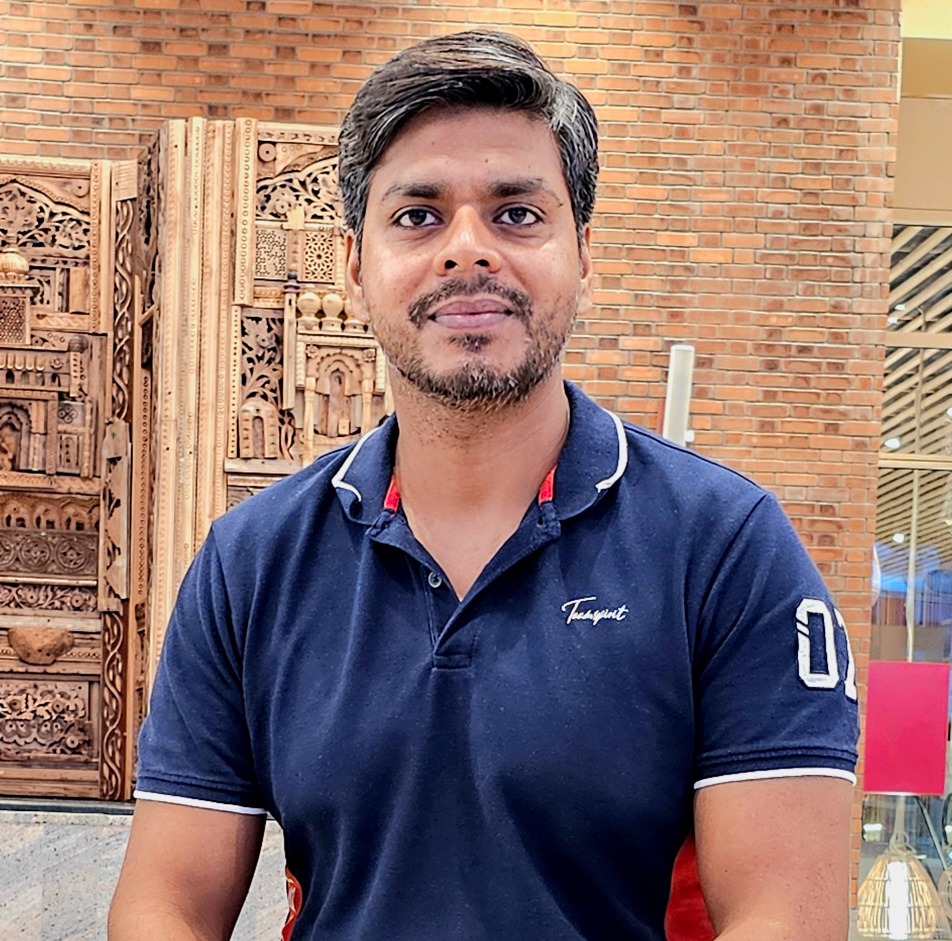
He spent 19+ years at Cisco working on the same technologies he now teaches. He has designed wireless deployments, debugged CAPWAP tunnels on live networks, and answered questions from engineers in every timezone. When he explains why 5 GHz has more channels than 2.4 GHz, he is not reading from a textbook. He is telling you what he learned by watching real traffic on real controllers.
It bundles both the Hindi and the English editions in one purchase. The reason for this bundle is simple. Wireless is a subject where the vocabulary is dense. Terms like modulation, spread spectrum, service set, CAPWAP and split MAC are English by origin. Reading them in English builds your muscle for certification exams and job interviews. But when a concept refuses to click, hearing it once in your first language often breaks the block. With the Package you can switch anytime.
The first block builds the RF foundation, from EM waves through dB math to antenna patterns. The second block explains how bits actually ride on top of waves through encoding and modulation, how devices share the air through channels and CSMA, and how the 802.11 family of frames coordinates all of this. The third block moves into Cisco territory. You will study the shift from autonomous access points to controller based architecture, the discovery process by which a new access point finds its WLC 9800, and the CAPWAP tunnel that keeps the two connected. The final block covers wireless security through 802.1X and WPA2, and the modern policy model of Tags and Profiles in WLC 9800.
Analogies are used everywhere. When you learn why an antenna has a specific radiation pattern, you will compare it to a torch light. When you learn how CSMA works, you will compare it to a group of polite friends waiting to speak. These are not gimmicks. They are the mental models that stay with you long after the video ends.
Here is know your instructor "I spent 18 years building computer networks at Cisco. But honestly, I am more curious than technical. I read. I listen to podcasts. I follow finance, health, and whatever new trend is quietly changing the world before most people notice. That curiosity is why I teach the way I do. I never start with "how." I always start with "why." Because if you understand why something exists, the how becomes easy. Right now, that curiosity brought me here. To help people understand what AI is really doing to jobs and careers. Before it is too late."
View ProfileWhat exactly does this Package include?
The Package includes the full Wireless Networking from Scratch course in both Hindi and English. All 14 lessons in both languages are available under one purchase. You also get access to labs and the completion certificate from BridgeWhy.
Do I need any prerequisite courses?
No prerequisite is mandatory. The course starts from the physics of radio waves and builds every concept from there. If you are completely new to networking, you may also enroll in Switching Fundamentals and Routing Fundamentals in parallel to build the broader networking foundation.
Is this course aligned with CCNA?
Yes. The wireless portion of CCNA is fully covered and explained with the why behind each topic. Learners who follow the full CCNA path alongside this course are well prepared for the wireless section of the exam.
Is this course useful for CCNP Enterprise wireless?
Yes. The RF fundamentals, 802.11 frame structure, CAPWAP internals, WLC 9800 architecture and the Tags and Profiles model are all part of the CCNP Enterprise wireless syllabus. You will have a strong base before you touch advanced CCNP topics.
Which language should I start with, Hindi or English?
Start with the language you think in. If English feels natural, stay in English. If your first thoughts are in Hindi or another Indian language, start with Hindi and switch to English for revision and interview practice.
Is the Hindi version fully in Hindi or Hinglish?
The Hindi version is taught in Hinglish. That is Hindi sentence flow with English technical terms kept as they are. This matches how real engineers actually speak on the job in India and keeps you ready for English documentation.
What labs are included?
Labs use EVE-NG for simulated topologies and real access point hardware for wireless portions. You will see actual RF behavior, controller discovery, CAPWAP formation and security handshakes.
Do I need to buy Cisco hardware to follow the labs?
No. You do not need to buy any hardware. The hardware portions are demonstrated in the course. You may build your own EVE-NG setup on a laptop if you want to practice the software configurations.
What certifications will this course help me pass?
The course directly supports the wireless portions of CCNA and CCNP Enterprise. Learners preparing for other vendor exams also find the RF foundation useful, since RF physics is vendor neutral.
Can I use this course for job interviews?
Yes. The final chapters give you a strong grip on WLC 9800, CAPWAP and enterprise security, which are the most common wireless topics in interviews. For deeper interview practice, pair this course with the Interview Preparation Series.
How is this course different from other wireless courses online?
Most online wireless courses jump into configuration on the first day. This course spends the early lessons on RF physics because that is the real foundation. Every concept opens with a why, every hard idea is drawn on a whiteboard, and analogies are used to lock the concept in memory.
Who is the instructor?
The instructor is Vishnu Dutt. He worked for 19+ years at Cisco on the same technologies he now teaches. He has taught 15000+ learners across 100+ countries.
How long is the course?
The course runs for about 13 hours of video content across 14 focused lessons. Most learners complete it in two to three weeks with regular study.
How long do I keep access to the course?
Access length depends on the plan you choose. You may pick 3 month access, 1 year access or lifetime access at checkout.
Will I get a certificate at the end?
Yes. You will receive a Completion Certificate from BridgeWhy after finishing all lessons.
What should I study after this course?
After Wireless, the natural next steps depend on your goal. For routing depth, take OSPF from Scratch and BGP from Scratch. For data center or campus fabric, take VXLAN with BGP-EVPN.
Do I need lab hardware at home?
No. All labs are demonstrated. If you want to practice at home, a laptop with 16 GB RAM is enough to run EVE-NG for related networking topics.
Can freshers take this course?
Yes. Freshers benefit heavily because the course starts from the physics of waves and does not assume any prior networking exposure.
Can working professionals benefit from this course?
Yes. Working engineers often skip the RF foundation early in their careers and struggle later with wireless design and troubleshooting. This course fills that exact gap.
How is the teaching style different at BridgeWhy?
Every lesson uses whiteboarding first, analogies for hard concepts, and a why first structure. You will not memorize configuration. You will understand the design decisions that shaped the technology.
Are there any live doubts or community support?
BridgeWhy offers community based support depending on the plan you choose. Check the plan page for current details.
Can I switch between Hindi and English mid course?
Yes. That is the point of the Package. If a concept feels tough in one language, watch the same topic in the other. You do not need any separate login.
Does this course cover Wi-Fi 6 or Wi-Fi 7?
The focus is on RF fundamentals, 802.11 core behavior and WLC 9800. The concepts you learn here are the exact base you need to then read Wi-Fi 6 and Wi-Fi 7 material with confidence.
Is there a refund policy?
Refund policy is available on the BridgeWhy store page. Please read it before purchase.
Where can I learn more about the instructor and BridgeWhy?
Visit the About Us page for the full story of BridgeWhy and Vishnu Dutt.